Press and hold
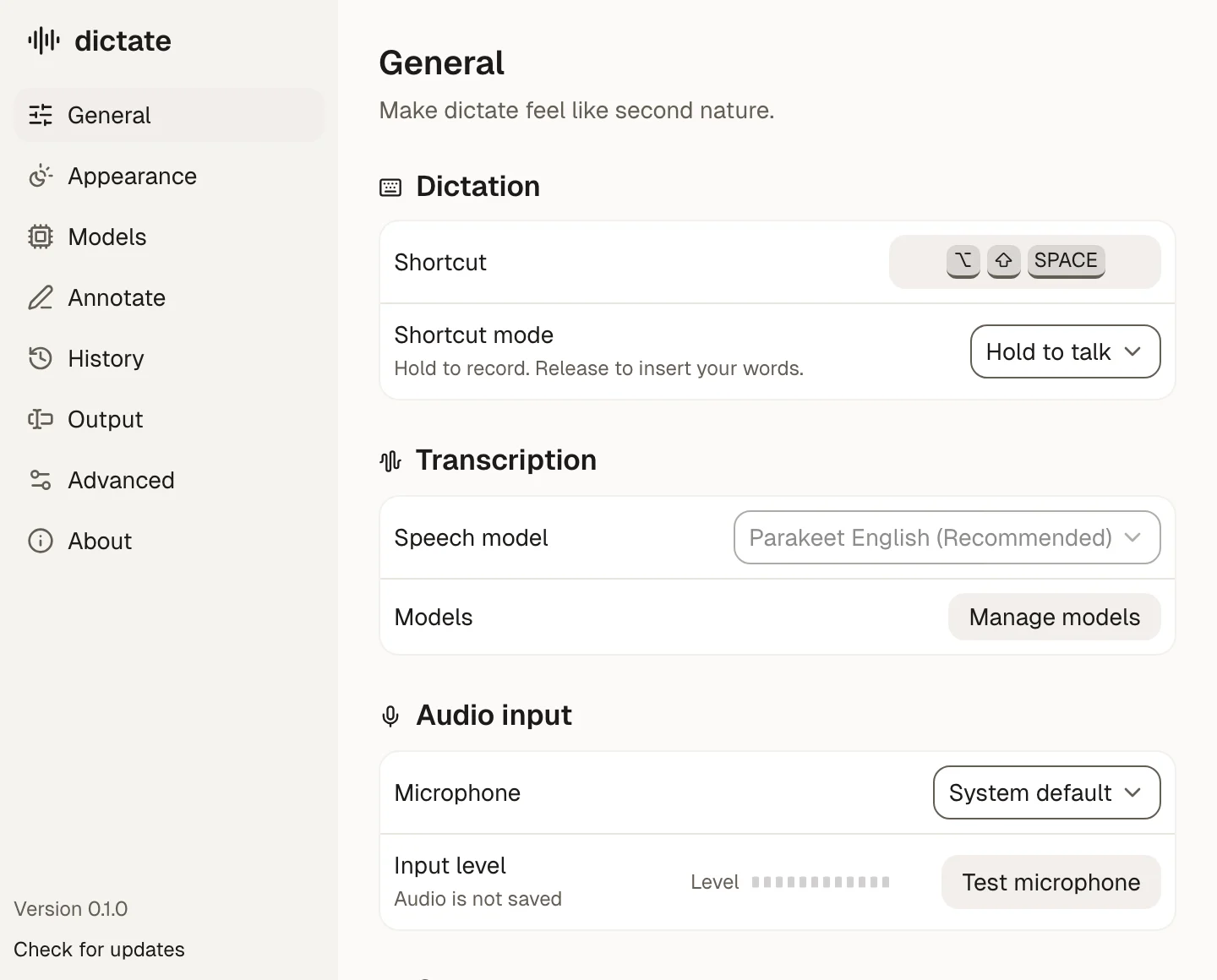
Hold to talk.
Hold Option-Shift-Space and speak. Let go, and dictate types it into the app you are using. It runs on your Mac, with no account.
- Download
- Download
- First open
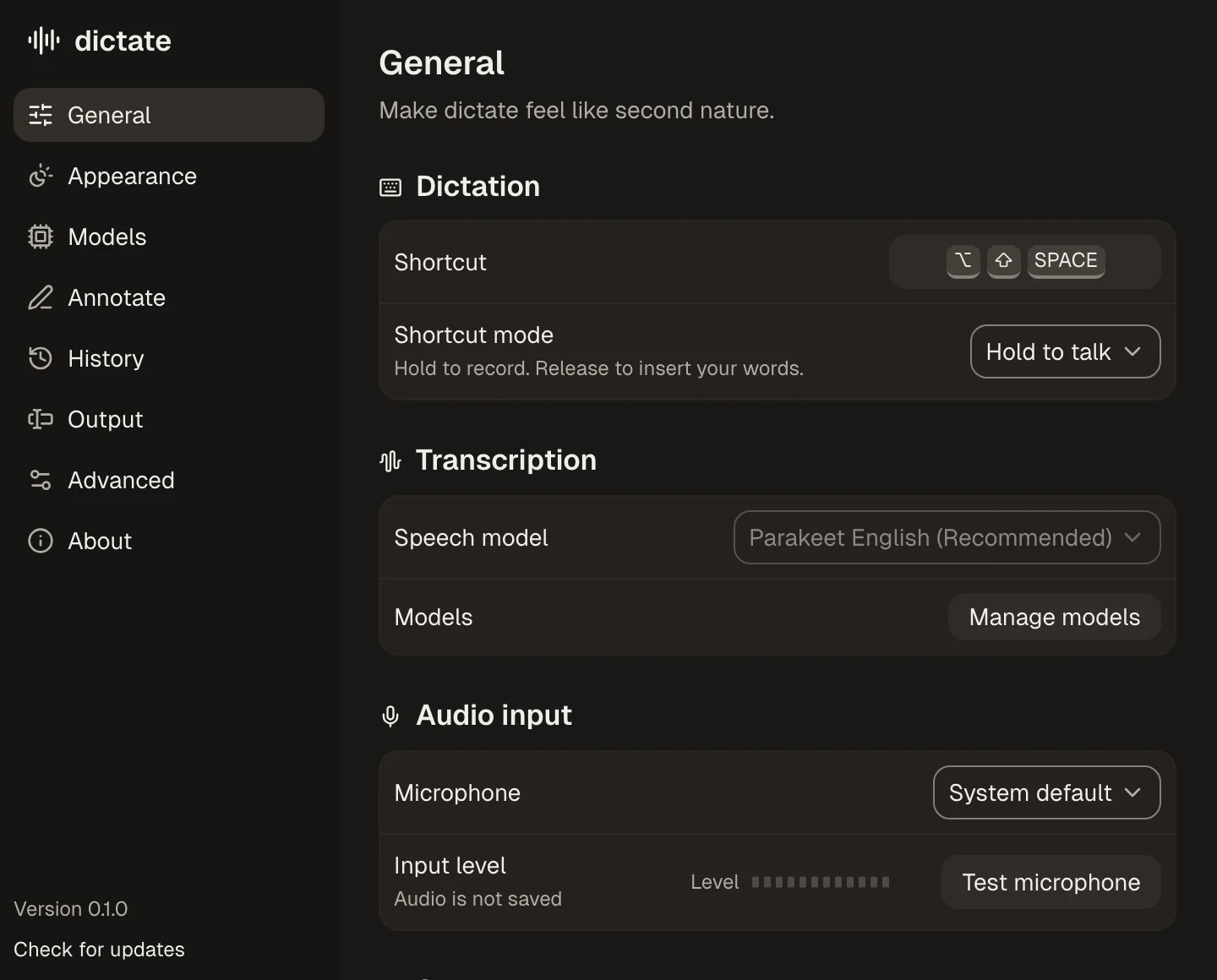
The settings window
Annotate
Circle the thing. Say what's wrong. Paste one summary into your agent.
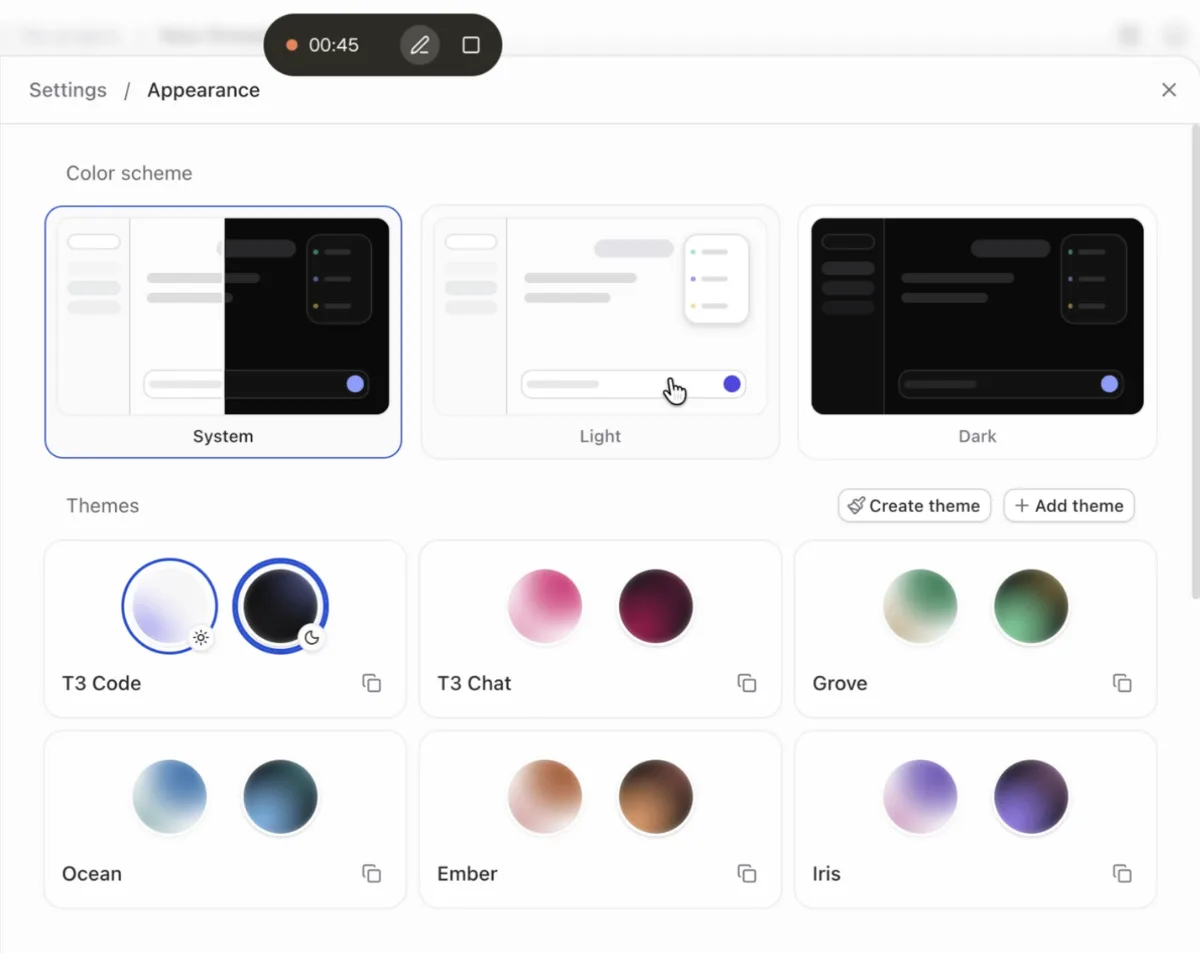
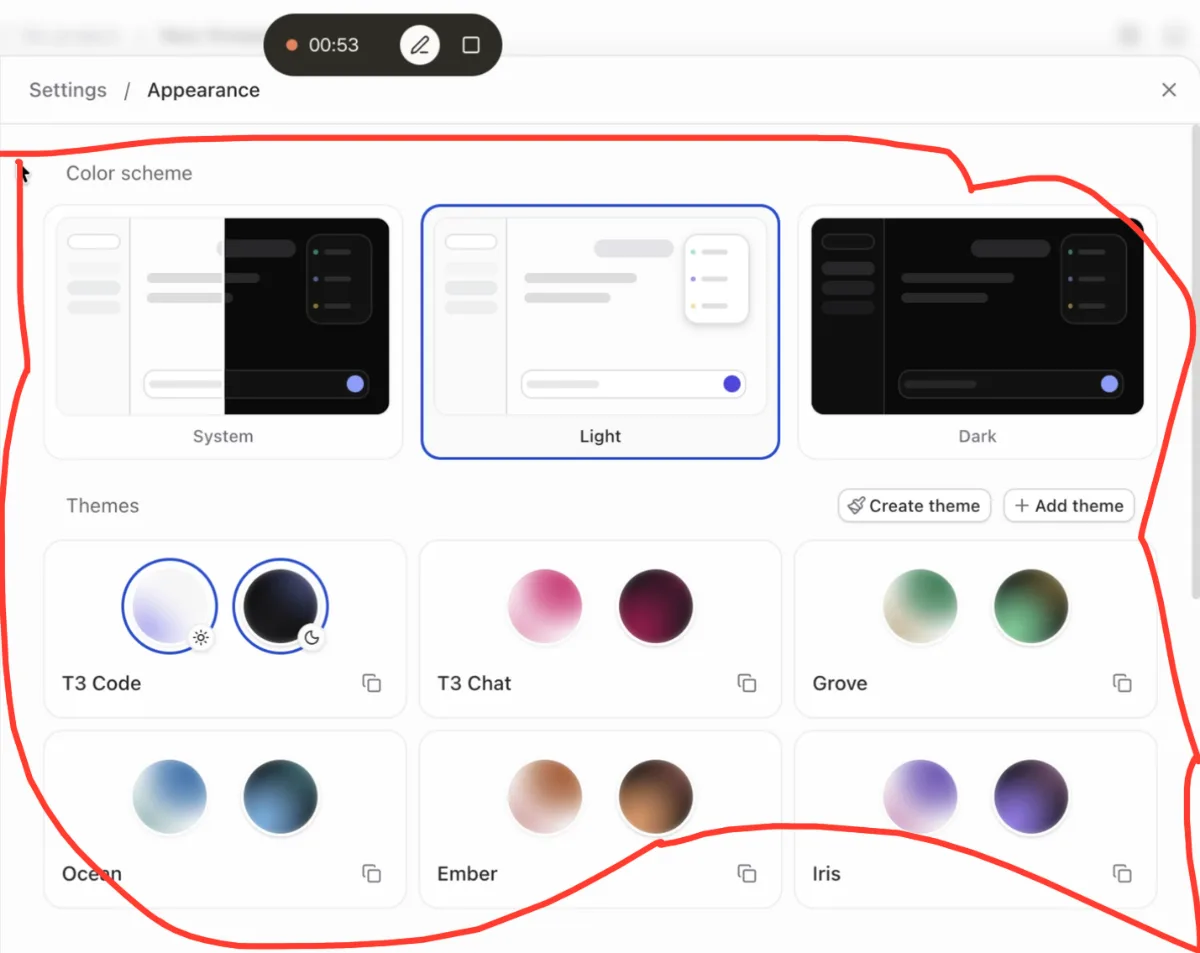
And if you notice here, I can kind of come in here and choose okay for light mode, maybe I use Ember, right?
[annotation 2:20 · T3 Code (Nightly)]
- #5 (0:53) circled region
  x 0.32–0.88, y 0.14–0.72
  — “And if you notice here, I can kind
    of come in here and choose okay”
- #6 (1:05) circled region
  x 0.34–0.91, y 0.13–0.82
  — “for light mode, maybe I use Ember,
    right?”